Remediation - Automated fixes based on known issues
External Remediation with UXM
UXM can trigger external remediation tools to perform actions on end-user devices and servers.
Example: PowerAutomate and Intune
Scenario: Low Disk Space
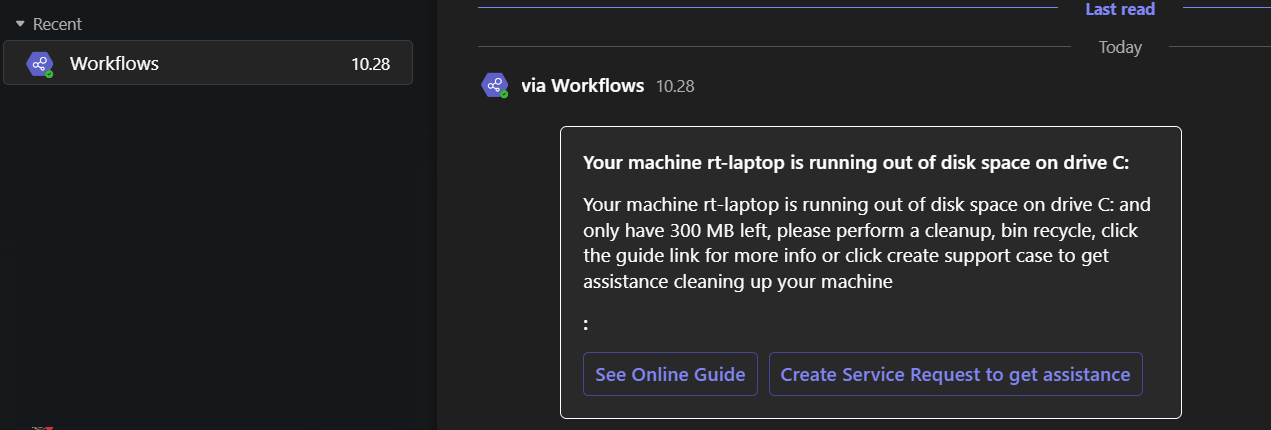
When the OS disk is running out of space:
- UXM triggers PowerAutomate
- PowerAutomate sends:
- Email or Teams message
- Includes information and helpful links
- Option to create a service request (e.g., ServiceNow, Zendesk, Remedy)
Requirements
-
Microsoft Office 365 subscription
-
Power Automate Premium subscription
Automated Cleanup (Fallback)
If the user does not resolve the issue within 14 days:
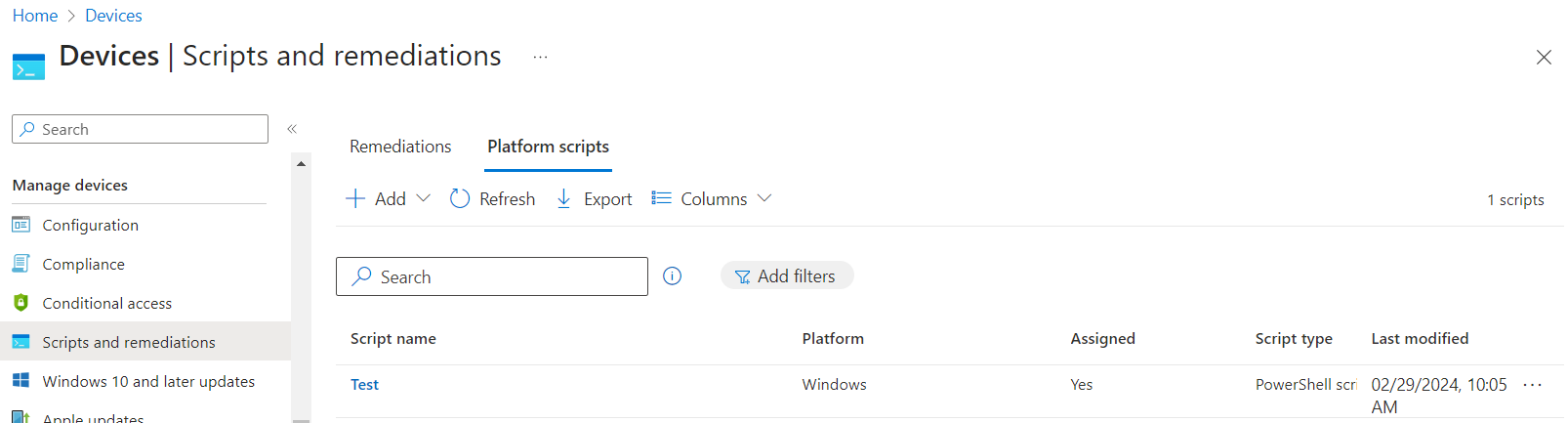
- An Intune PowerShell script can be triggered
- The script performs automatic cleanup on the device
Workflow Overview
- UXM triggers PowerAutomate
- PowerAutomate handles user notification
- Intune executes remediation script (if needed)
Setup Components
- PowerAutomate setup
- Intune setup
Documentation:
https://learn.microsoft.com/en-us/mem/intune/apps/intune-management-extension
Intune Script Execution Behavior
-
The Intune Management Extension checks for updates:
- Every hour
- After every device reboot
-
Once assigned to Azure AD groups:
-
The PowerShell script executes automatically
-
Execution results are reported back
-